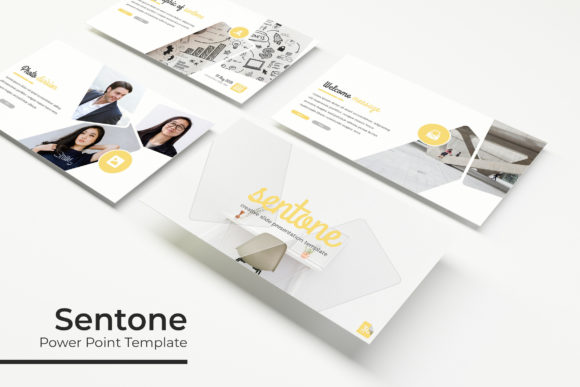
Create Stunning Presentations with the Senote Power Point Template
Imagine transforming a standard pitch deck into a visually cohesive and professional narrative in minutes. That's the promise of a well-crafted presentation toolkit, and the Senote Power Point Template delivers exactly that. Designed for creators who value both efficiency and aesthetic impact, this comprehensive package is more than just a set of slides—it's a complete design system for your ideas.
At its core, Senote is built for flexibility. With over 150 total slides organized across five premade color themes, you have a vast library of layouts at your fingertips. Each color variation includes 30 unique slides, ensuring you can find the perfect tone for any audience or brand guideline. This structure eliminates the guesswork and repetitive work of building presentations from scratch.
Key Features That Empower Your Workflow
What makes this template stand out is its focus on practical, professional features that streamline the design process:
- Handcrafted Infographics & Section Breaks: Complex data and topics become clear with custom-designed infographic slides and dedicated section break slides that maintain visual flow.
- Pixel-Perfect Illustrations & Placeholders: Every graphic is sharp and scalable. The resizable and editable graphic picture placeholders allow for simple drag & drop customization, making image integration effortless.
- Master Slide Foundation: Built on master slides, the template ensures global consistency. Change a font or color once, and it updates throughout the entire presentation.
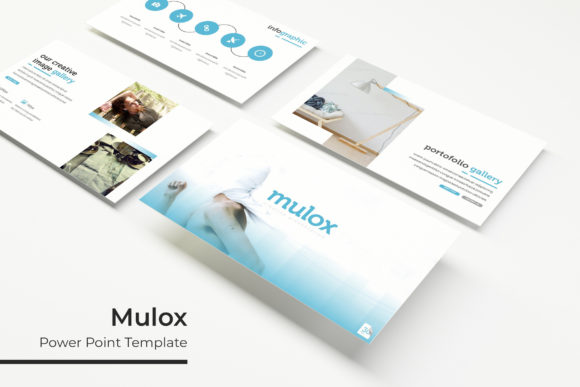
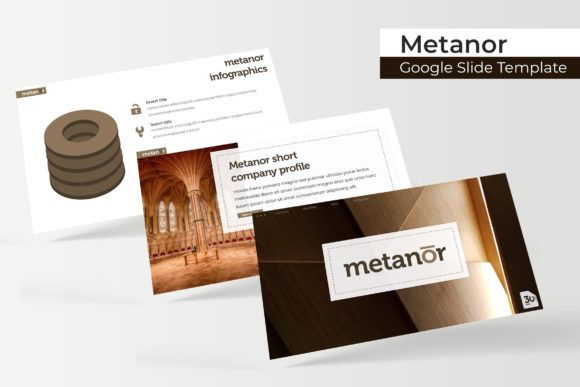
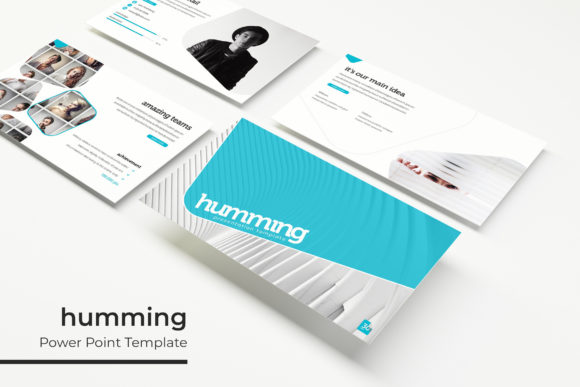
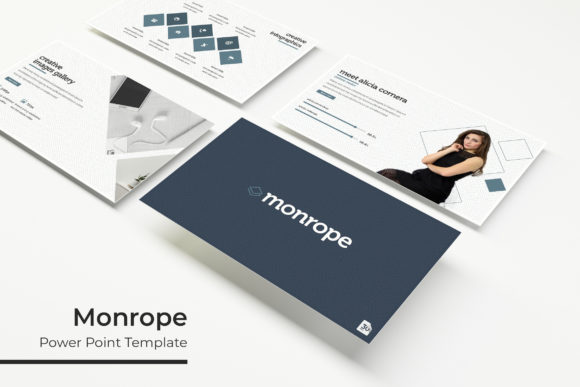
- Gallery and Portfolio Slides: Showcase work, products, or case studies with dedicated layouts designed for maximum visual impact.
The package includes 5 PPTX files (standard and widescreen formats), a helpful readme file, and links to the free fonts used, so you can replicate the preview's look seamlessly.
Practical Applications for Designers and Professionals
This template is ideal for a wide range of professional and creative contexts. Consider using it to:
- Develop a polished brand identity presentation for clients.
- Create compelling sales decks, investor pitches, or project proposals.
- Design educational materials, workshop content, or webinar visuals.
- Build a visual portfolio or case study showcase.
- Produce consistent internal reports or company update meetings.
The modern typography and clean layouts serve as a strong foundation, but the real power lies in its adaptability. You can easily adjust the color variations and swap placeholder content to match your specific brand identity or project mood.
Tips for Selecting and Using Presentation Assets
When choosing a template like Senote, keep these practical considerations in mind to get the most value:
First, assess the readability of the base design. A template with clear hierarchies and ample white space, like Senote, ensures your message isn't lost. Second, think about font pairing. While the included fonts are curated to work together, you can often substitute them with your own brand fonts—just ensure they maintain the same visual weight and style.
Finally, consider the license. This template is designed for commercial use, making it a reliable design asset for client work and professional projects. Always review the included license terms to confirm it fits your intended use.
Ultimately, the right presentation template does more than save time; it elevates your communication. It brings a level of visual consistency and professional polish that builds credibility with your audience. By providing a structured yet flexible framework, the Senote Power Point Template empowers you to focus on your content and storytelling, confident that the visual foundation is strong, cohesive, and designed to impress.