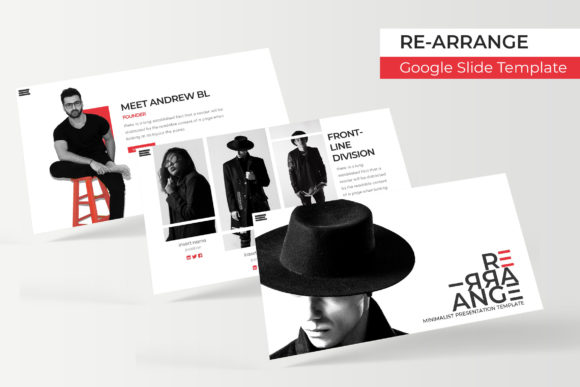
RE-ARRANGE Google Slide Template: A Flexible Design Toolkit
Imagine having a presentation toolkit that not only looks stunning but also adapts to your creative vision without starting from scratch. The RE-ARRANGE Google Slide Template offers exactly that—a versatile foundation for building polished, professional slideshows that capture attention and communicate ideas clearly.
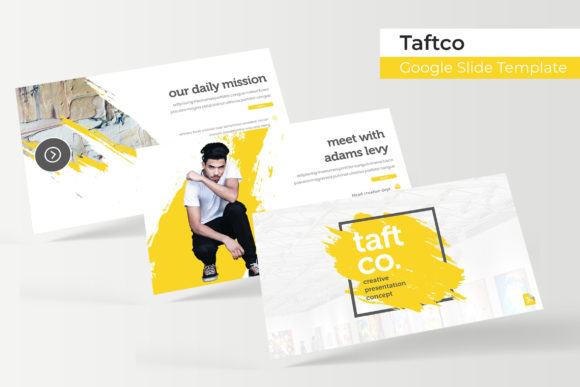
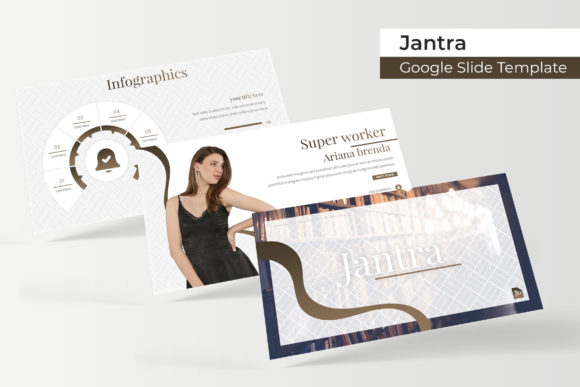
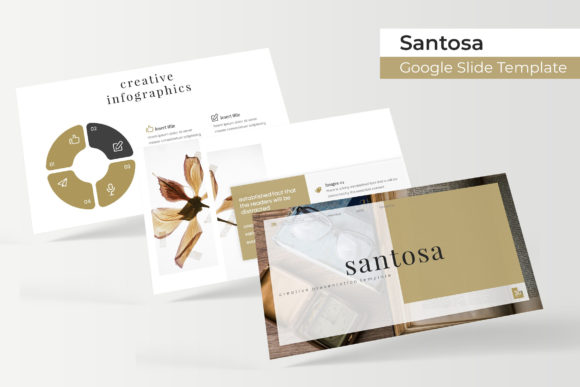
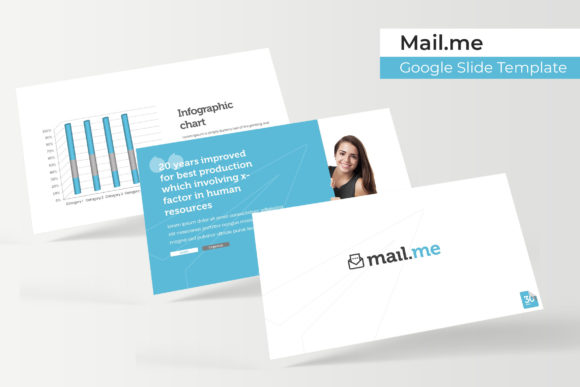
This comprehensive template pack includes over 150 total slides, thoughtfully organized into five premade color variations. Each color theme provides 30 unique slides, giving you a rich library of layouts to choose from. Whether you're preparing a business pitch, educational lecture, or creative portfolio, the variety ensures you'll find the right structure for your content.
What Makes This Template Stand Out
The design quality here goes beyond basic slide layouts. You'll find handcrafted infographics that transform complex data into visually engaging stories. Section break slides help organize your narrative flow, while dedicated gallery and portfolio slides showcase images beautifully. The attention to detail in these elements can elevate any presentation from ordinary to memorable.
Practical features make customization straightforward. All graphics are resizable and editable, allowing you to adjust elements to fit your specific needs. Picture placeholders use a drag-and-drop system, so adding your own images takes just seconds. Built on master slides, the template ensures consistency throughout your presentation while saving you significant editing time.
Designed for Real-World Use
Pixel-perfect illustrations maintain their crispness across different screen sizes, which matters when presenting to clients or audiences. The widescreen format (16:9) is optimized for modern displays, ensuring your content looks sharp whether projected in a conference room or viewed on a laptop screen.
What's included in the package:
- 5 PPTX files for Google Slides
- 5 PPTX widescreen files
- 5 premade color themes
- Readme First document
- Free font download link
The font used in the template is freely available, so you won't encounter licensing issues when using it in your projects. This thoughtful inclusion removes a common barrier for creators who want consistent typography without additional costs.
Who Benefits Most from This Template
Business professionals will appreciate the clean, modern aesthetic that conveys credibility. Educators can use the structured layouts to organize lessons logically. Designers and freelancers might find the portfolio slides particularly useful for showcasing their work to potential clients. The versatility extends to various industries—marketing agencies, startups, educational institutions, and creative studios all find value in having a reliable template library.
The five color variations offer flexibility in matching brand guidelines or personal preferences. You might choose a bold, vibrant palette for a creative pitch or a more subdued, professional tone for corporate presentations. This adaptability means one template collection can serve multiple purposes across different projects.
Getting Started with Your Template
After downloading, begin by reviewing the Readme First document for setup instructions. Choose the color theme that best fits your project's mood and audience. Then, explore the slide library to select layouts that match your content structure. The master slide system means you can make global changes efficiently—adjust fonts, colors, or logo placement once, and those changes apply throughout your presentation.
For best results, consider how each slide serves your overall narrative. Use section breaks to create natural pauses in your presentation flow. Leverage the infographic slides to simplify complex information, and employ the portfolio layouts to create visual impact with your best work.
A well-designed template does more than save time—it establishes visual consistency that strengthens your message. The RE-ARRANGE Google Slide Template provides a professional foundation that lets your content shine while maintaining a polished, cohesive look throughout your presentation.