Mulox Keynote Template: 150+ Slides for Dynamic Presentations
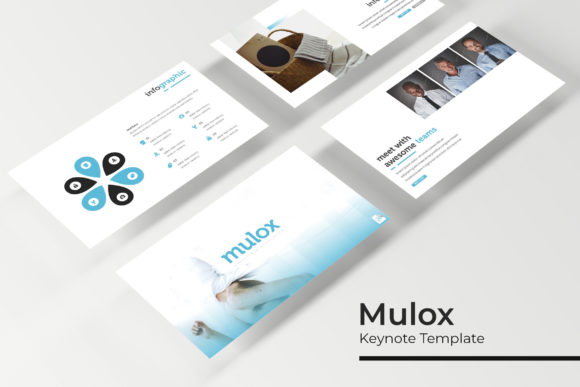
Crafting a presentation that captivates and communicates effectively often hinges on the foundation you build upon. The Mulox Keynote Template offers a robust starting point, designed to transform complex ideas into visually compelling narratives. With its extensive library of over 150 handcrafted slides, this template provides the structure and creative freedom needed to deliver professional, polished presentations for any audience.
A Foundation of Flexibility and Style
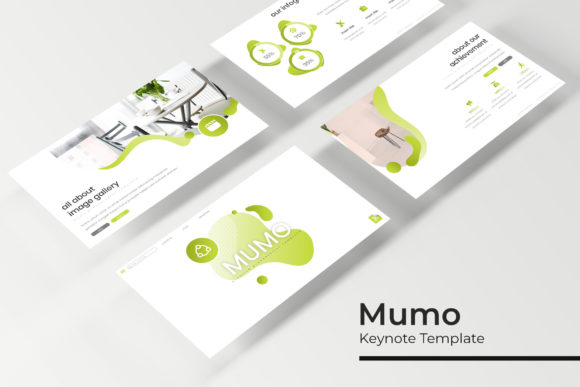
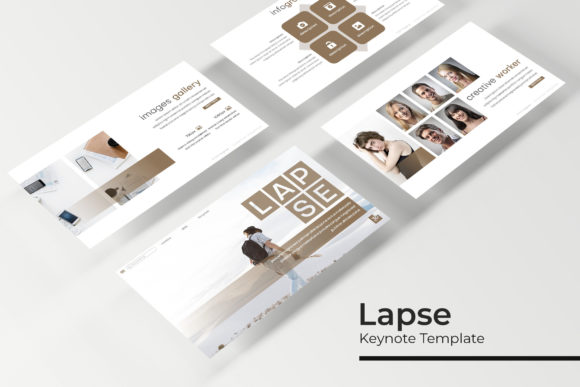
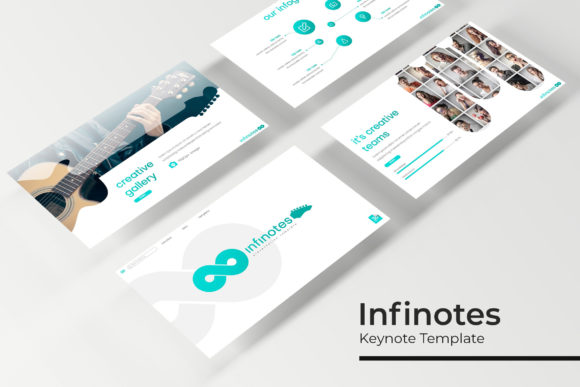
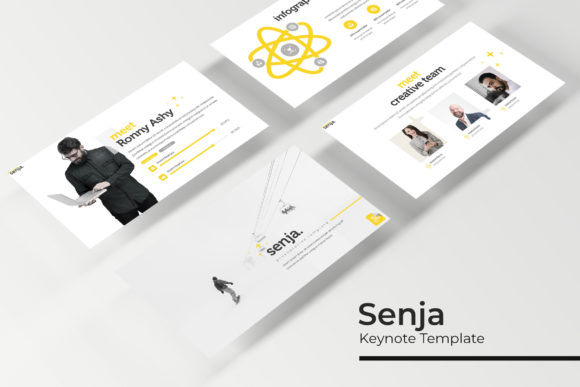
At its core, Mulox is built for versatility. It includes five premade color schemes, each containing 30 unique slides. This allows you to instantly adapt the presentation's mood to match your brand identity or the specific tone of your project, from corporate reports to creative pitches. The slides are based on master slides, ensuring design consistency and making global changes effortless. Every element, from the pixel-perfect illustrations to the resizable and editable graphic placeholders, is crafted for a seamless design experience. The drag-and-drop functionality for images simplifies the process of adding your own visuals, letting you focus on your message rather than technical hurdles.
Practical Applications for Creators and Professionals
This template is more than just a collection of slides; it's a tool for storytelling. Its structured sections, including dedicated gallery and portfolio slides, make it ideal for:
- Business & Marketing: Presenting quarterly results, launching new products, or pitching to investors with clear data visualization and professional infographics.
- Creative Portfolios: Showcasing design work, photography, or architectural projects in a clean, gallery-style format that lets the work speak for itself.
- Educational & Training: Breaking down complex topics into digestible sections using section break slides and handcrafted infographics to enhance learning.
- Event & Conference Talks: Engaging an audience with a visually dynamic and well-organized flow that maintains attention throughout the session.
The inclusion of free fonts and a detailed readme file ensures you can get started immediately without additional costs or guesswork. It’s a complete design asset for anyone serious about elevating their presentation quality.
Tips for Maximizing Your Presentation
To get the most out of a comprehensive template like Mulox, consider these practical approaches. First, select the color variation that best aligns with your content's emotional tone—warmer palettes for approachable topics, cooler tones for technical or corporate subjects. Use the section break slides to create clear visual pauses, helping your audience mentally organize the information. When customizing, leverage the master slides to maintain a cohesive look; adjusting a font or color on the master level will update it across all relevant slides, saving you significant time.
Remember, while the template provides a stunning framework, your content is the star. Pair the clean typography with concise, impactful text. Use the infographic slides not just to display data, but to tell a story with that data. The goal is to use the template's professional polish to support and enhance your unique message, creating a presentation that feels both authoritative and engaging. Choosing a well-designed, feature-rich template like Mulox is an investment in clarity and professionalism, ensuring your ideas are presented with the visual impact they deserve.