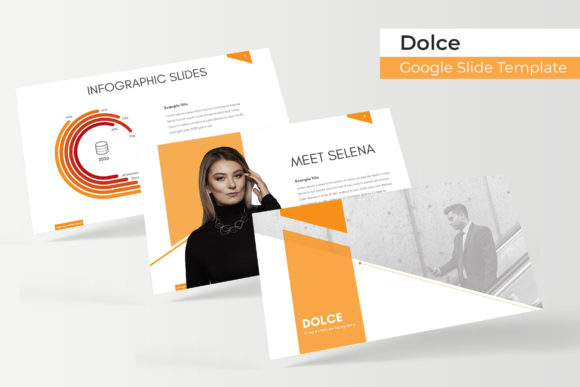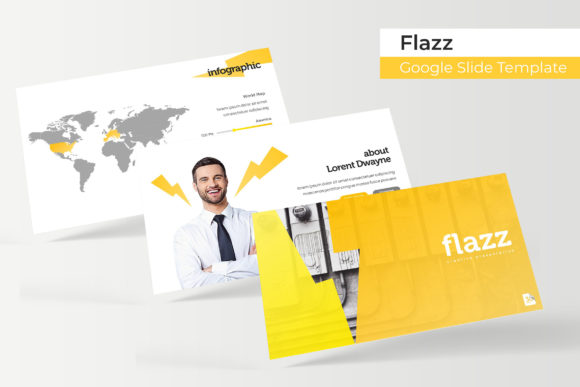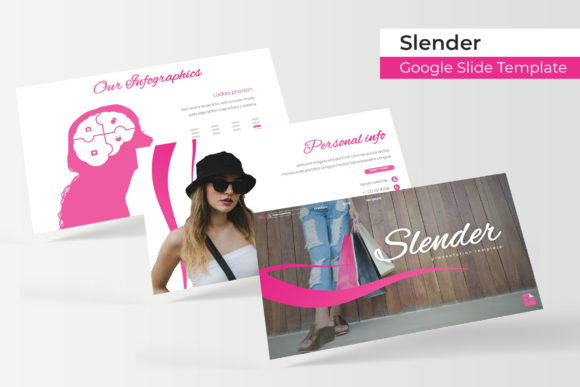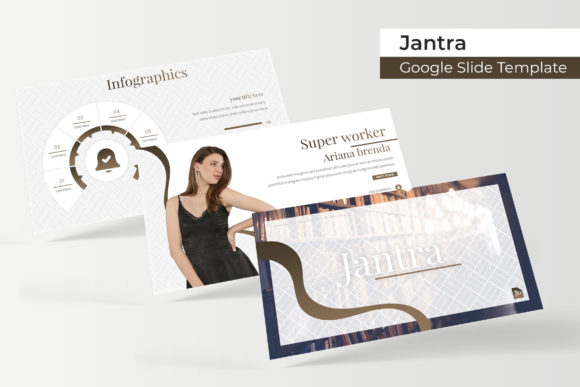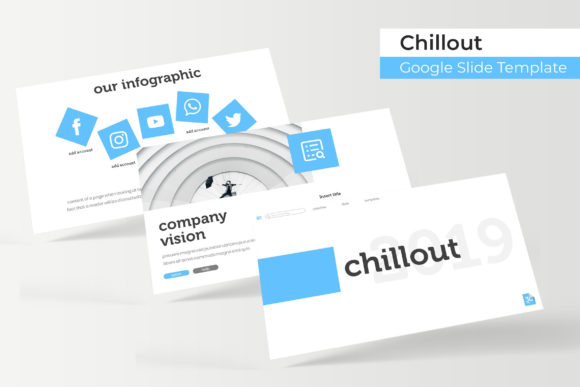
Chillout Google Slide Template
Imagine a presentation that feels as calm and collected as you are. The Chillout Google Slide Template is designed to do just that, offering a serene and polished foundation for your next big idea. This isn't just another set of slides; it's a comprehensive toolkit built for clarity, creativity, and professional impact, making it a standout choice among modern design assets.
At its core, the Chillout template provides a robust structure with over 150 total slides, ensuring you have a layout for every point you need to make. What truly sets it apart is the thoughtful organization: five premade color schemes, each containing 30 meticulously crafted slides. This means you can switch the entire mood of your presentation with a single click, from a cool, corporate blue to a warm, energetic orange, while maintaining perfect visual consistency.
Why a Cohesive Presentation Matters
In branding and communication, visual harmony builds trust. A disjointed deck can distract your audience and dilute your message. The Chillout template solves this by providing handcrafted infographics, section break slides, and dedicated gallery and portfolio slides. These elements work together to tell a compelling story, whether you're pitching a new brand identity, showcasing a design portfolio, or outlining a project timeline.
The practical features are designed for real-world use. With pixel-perfect illustrations and graphics based on master slides, every element is sharp and scalable. The resizable and editable picture placeholders allow for true drag-and-drop functionality, saving you valuable time during the design process. You're not fighting the template; you're collaborating with it.
Practical Applications for Creators and Professionals
Consider how this template can elevate various projects:
- Brand Pitch Decks: Use the clean layouts and color variations to present brand guidelines, logo concepts, and visual identity systems with authority.
- Portfolio Reviews: The dedicated gallery slides provide a sophisticated frame for showcasing web design projects, packaging design, or social media graphics.
- Educational Workshops: The infographic slides can break down complex information about typography or font pairing into digestible, visual steps.
- Client Reports: Maintain a professional tone with section breaks and data-ready charts that align with your brand's color palette.
Tips for Maximizing Your Template
To get the most out of the Chillout Google Slide Template, keep a few best practices in mind. First, always test your chosen color scheme with your actual content to ensure text remains readable against background elements. Second, leverage the master slides for any global changes to fonts or layouts—this ensures consistency across all 150+ slides. Finally, remember that the template is a starting point. Feel free to mix and match slides from different color variations within the same deck if it serves your narrative, but do so sparingly to maintain a cohesive flow.
The package includes everything you need to begin immediately: five PPTX files for widescreen formats, the five premade color themes, and a helpful readme file with a link to download the free font used in the design. This attention to detail, including the provision of commercial-friendly assets, makes it a reliable choice for both personal and professional projects.
Choosing the right foundation for your presentations is as crucial as selecting the perfect typeface for a logo. The Chillout Google Slide Template offers that premium, creative flexibility, allowing your content to shine with a polished, professional aesthetic. It’s an investment in clarity and visual appeal that helps your ideas communicate more effectively.